

Vocal range test
Find your vocal range in about 20 seconds. Just slide your voice low and high: there are no notes to hit.
Find your rangeWe help you sing your song, from zero to hero
Find your vocal range in 20 seconds, watch your pitch live, warm up and sing any song in your key. Every take becomes a Hit you can share as a video.
100% freeEvery feature, every tool and every AI model.
Range test in 20 secondsRecordings stay on your deviceFree online tools
 Singing now
Free online tools
No download, no account and nothing uploaded: each tool runs on your own device.
Features
Find your range, check your pitch, warm up, sing the songs you love and share your best take, all in one free app.
Find your vocal range in about 20 seconds. Just slide your voice low and high: there are no notes to hit.
Find your rangeSing or hum and watch your voice drawn live over piano-roll notes, with a metronome. No song or account needed.
Check your pitchShort built-in warm-ups, from humming and lip trills to octave jumps, sung like songs with a pitch line and a score.
See the warm-upsA live pitch line over the melody, your score, karaoke lyrics, slow-down, key change and a piano guide.
Start singingEvery take is kept as a Hit. Export your best one as audio or as a video with your singing, the lyrics and your score.
Meet your HitsOn your Mac, turn any song into a practice project: split the vocals from the music, detect notes and lyrics, refine them.
Make it yoursVocal range test
If you can hum, you can find your range: there are no notes to hit. Start on a comfortable note, slide your voice down as low as it goes, then up as high as it goes. Hitnota shows your range and saves it to your free account.
Vocal pitch detector
Open the pitch detector, sing or hum, and your voice is drawn as a line over piano-roll notes. The notes you sing appear right under the line, so you always know where you are.
Vocal warm-ups
Built-in vocal warm-ups, each about 40 to 50 seconds. Sing them like songs, with the pitch line and a score, and move them into your range.
Sing any song
Your voice is drawn over the melody as you sing, with a score, lyrics in time and tools that make any song fit your voice.
Your voice is drawn over the melody's notes as you sing, so you see at once if you're sharp, flat or right on.
Watch your score grow with every note you land, and see your accuracy at the end of each take.
Follow the lyrics in time with the music, word by word, so you always know what comes next.
Practise a fast verse at a slower tempo without changing the pitch, then bring it back up to speed.
Move a song up or down a step at a time, or choose Your range and it moves into your voice at once.
Hear the melody played on piano under your voice, and keep time with a click.
Each time you sing, the take is kept with its score, so you can hear how far you have come.
Sing the songs saved on your device without an internet connection, at home, on the road or in the car.
Hits
Every time you sing, Hitnota keeps the take as a Hit: your voice alone, or a video of you singing with the camera. Watch or listen again, see your score, and turn the best one into a video for social media.
Desktop editor with local AI
Start with a full song, a backing track or a karaoke project. On your Mac, local AI separates the vocals from the music and detects the notes and lyrics, then you refine the result in the editor. Open .hitnota and UltraStar projects too.
Why Hitnota
Most of us practise by singing over a track and hoping for the best. The best vocal app shows you what really happened, note by note.
How it works
If you can hum, you can find your range, and it takes about 20 seconds.
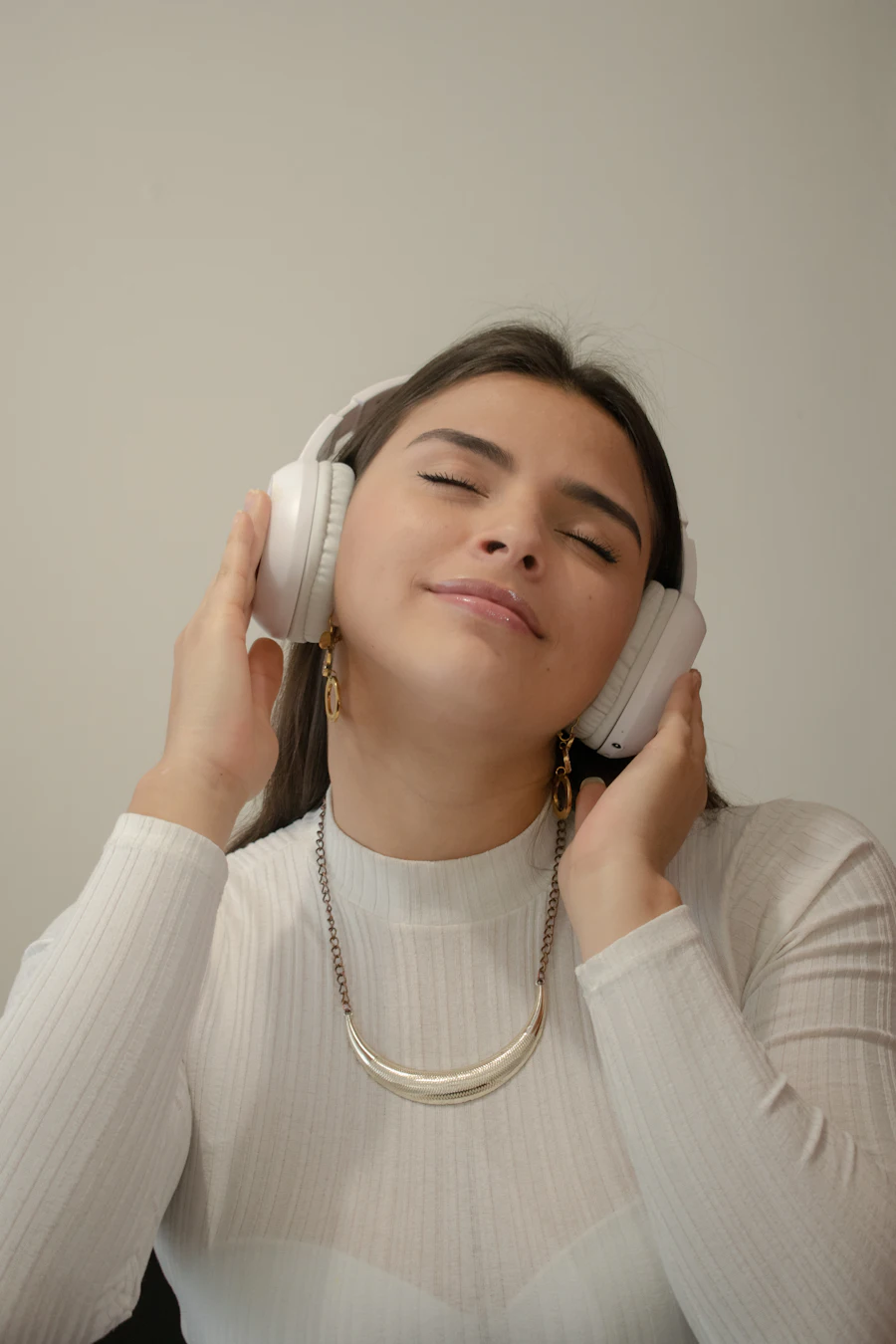
Slide your voice from a comfortable note down to your lowest and up to your highest. Hitnota shows your range and saves it to your free account.
Pick a short warm-up, or check your pitch in the pitch detector. Each warm-up is sung like a song and can be moved into your range.
Choose a song, move it into your range in one tap and sing with the live pitch line. Every take is kept as a Hit you can export as a video.
For every voice
Whether you're singing your very first note or polishing a song for a performance, you get the same honest feedback on every note.



For vocal teachers and choirs
Prepare notes, lyrics, backing and separate vocal parts for a lesson or rehearsal. Save a .hitnota project for students to open and practise in Hitnota on their own devices.

Every device
Make and edit projects in the Mac app. Find your range, warm up, sing and keep your Hits on your Android phone, tablet or car head unit too.
FAQ
Yes. Everything in Hitnota is free: the app, the online tools, the Mac app's editor and all its local AI models. The pitch detector works even without an account, and a free account saves your vocal range and unlocks full-song practice. We are growing the community first; if there is enough interest, paid features may come later.
You don't. If you can hum, you can find your range: the test only asks you to slide your voice low and high, with no notes to hit, and the pitch detector shows what you sing as you sing it.
Start on a comfortable note, slide your voice down as low as it goes, then up as high as it goes. In about 20 seconds Hitnota shows your range, from your lowest to your highest note, and saves it to your free account. Then choose Your range in a song's Key settings to move the song into your range in one tap.
A tool to check your pitch without a song. Open it, sing or hum, and your voice is drawn live as a line over piano-roll notes, with the notes you sing shown under the line. It has a built-in metronome with adjustable tempo and a beat grid, and it works even without an account.
Hitnota has built-in warm-ups such as Humming, Lip trill, Ma me mi mo mu, Nay, Octave jump, Staccato and Cool down. Each takes about 40 to 50 seconds and is sung like a song, with the pitch line and a score. You can move them into your range.
Every take you sing is kept as a Hit: your voice alone, or a video of you singing with the camera on Mac (on Android, Hits keep your voice for now). Watch or listen again, see your score, and export it as audio, a vertical Shorts video or a full video with your singing, the lyrics and your score.
No. Your Hits stay on your device: recordings and videos are not uploaded to any server. The Mac editor's AI processing runs on your computer too, so your songs are not uploaded for processing. You decide what to export and share.
Mac with Apple Silicon (macOS 12 or later) and Android 10 or later on phones, tablets and car head units. Windows and iPhone and iPad apps are on the way. The download page lists the requirements for each, and the website is where you manage your account.
Open .hitnota or UltraStar projects, or turn any song into your own practice project in the Mac app: local AI separates the vocals from the music and detects the notes and lyrics, then you refine them in the editor. Vocal warm-ups are built in.
They are recommended. With headphones the microphone hears only your voice and not the music, so the pitch line and the score stay accurate.
Yes. Songs saved on your device work offline, and downloaded AI models work offline in the Mac app. You need an internet connection to sign in, download models and check for updates.
Yes. Download the Android APK for a compatible touchscreen head unit running Android 10 or later. Open a .hitnota or UltraStar project to sing, score and record locally. No separate car app is needed.
Not yet: it is on the way. Follow our Telegram news channel for release updates.
Download Hitnota for free and know your vocal range in about 20 seconds. If you can hum, you can do it, and your recordings stay on your device.